
Event Registration Software
The event registration software you can trust, however complex the event
Visit gives event organizers the flexibility to create exactly the registration experience they need, with the reliability, scale, and control to handle the complexity behind it.
Simple for them. Powerful for you.
Behind an attendee’s simple experience, Visit gives your team the power to manage sophisticated registration requirements.
Different journeys
Create different journeys for visitors, exhibitors, VIPs, press, and contractors. Change what happens according to someone’s answers. Use rules to change what happens next.
Approvals and communications
Vetting, confirmations, and reminders are managed in one place. Adapt emails, documents, and badges according to who’s registering with support for different languages.
Trusted by industry's best organizers






Everything you need
to make registration work your way
Once you know Visit can handle the scale, it’s the details that matter. This is what our event registration software covers:


Design badges
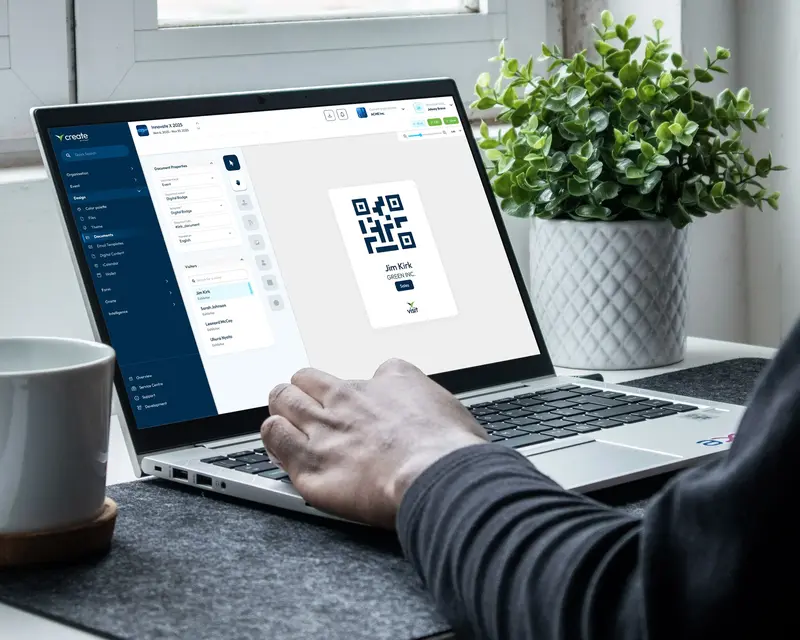
Registration vouchers, paper and digital badge designs.

Add to wallet
Attendees add their visitor QR code to Apple or Google Wallet.

Sell extras
Offer workshops, activities, merchandise, bundles, with discount and tracking codes.

Clone event setups, registration structures, branding, communications and translations.
See how registration works at your scale
Our team will walk you through how Visit would handle the structure of your event.
form building
Build event registration forms without writing code
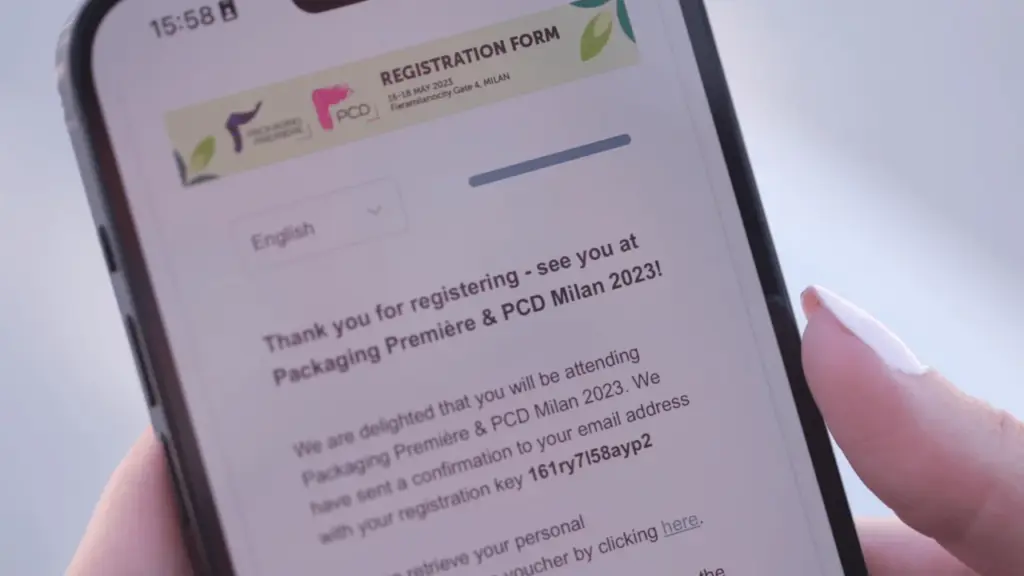
Your registration form is often the only part of your technology a visitor ever touches. Build it in a WYSIWYG editor and see exactly what they will see as you design it.
- Multiple forms per event, each written for a different audience
- System questions that stay usable in reporting, badges, and rules
- Custom questions for demographics and interests
- Clone a form to launch the next event
- Registrants can also arrive by spreadsheet import or API
Conditional journeys
Change the journey based on how someone answers
A rule has a condition and an action. The condition tests any property of a registration, including answers to your own questions. The action changes what happens next.
- Reassign registration type mid-journey
- Send a different confirmation email
- Allocate different documents and badges
- One rule reused wherever you need it
Use case
A visitor registers as a student rather than a professional. Apply one rule, and that changes their registration type, their badge design and their confirmation email.
Multi-language
Registration in the languages your audience registers in
International events need more than translated buttons. People abandon what they cannot read.
- Questions, pages and emails translated together
- Your own custom text, not just form labels
- Translations held at the organization level
- A language added for one show is ready for the next
See how registration works at your scale
Our team will walk you through how Visit would handle the structure of your event.

Audience control
Know who is actually coming
Trade-only events need a decision before someone travels, not when they reach the door.
- Registrants verified, then permitted or denied
- Every change of state logged against the visitor
- Advanced deduplication across your whole organization
- You set the hierarchy that decides which record wins
Use case
The same buyer registers for three of your shows. Deduplication keeps them as one contact, so your audience numbers describe people rather than sign-ups.
Portfolio setup
Run the next show from the setup that worked before
Clone an entire event rather than rebuilding it. The fifth edition starts from the fourth.
- Settings, registration types, branding, and communications carried across
- Registration types inherited from the organization level
- Translations reused across the portfolio
- Consistent taxonomy means reporting you can trend
Built for the events where registration really matters
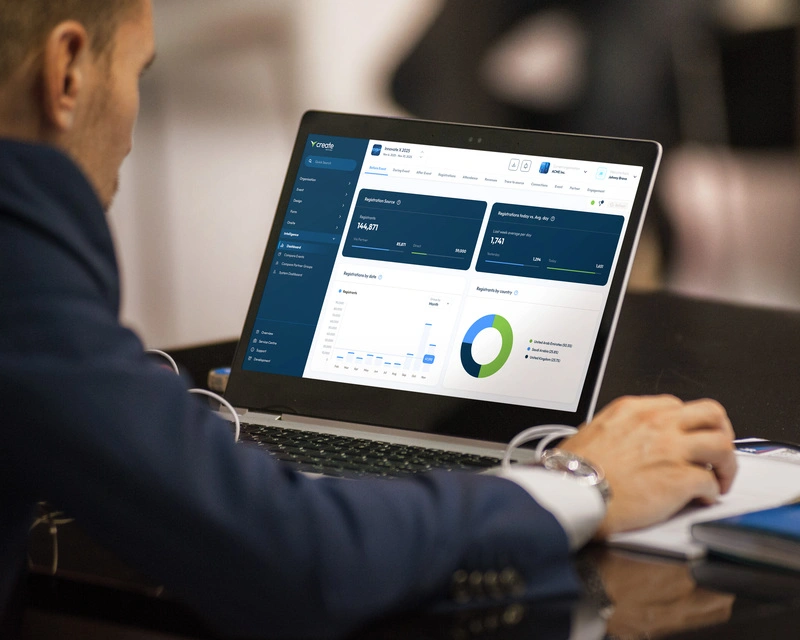
The bigger and more complex an event becomes, the more important registration becomes. Visit is designed for organizers who need technology that can handle that complexity without making registration complicated for the people using it.
- Flexible enough for the event you want to create
- Comprehensive enough for everything registration needs to do
- Scalable enough for what comes next
Questions you'll probably have
Event registration software is the system that collects and manages attendee data before an event. For exhibitions and trade shows it handles multiple attendee types, registration journeys that change based on who is registering, and the visitor data that badging, access control and lead retrieval all depend on.
Yes. Visit includes a WYSIWYG form builder, so you can create and change forms yourself without development work, and preview exactly what registrants will see. An event can run several forms at once for different audience types.
Yes. Registration types separate visitors, exhibitor staff, press, contractors, and VIPs, each with their own form, questions, badge design, and emails. Rules can also reassign someone mid-journey based on how they answer.
Yes. Forms, questions, pages and confirmation emails can all be translated, and translations can be reused across every event in your portfolio.
Yes. Registrants can be imported from a spreadsheet or pushed in over the API, and they behave exactly like anyone who registered through a form.
Yes. Registration types and translations can be held at the organization level and inherited by every event in the portfolio. Forms can be cloned, carrying their full configuration across.
Ready when you are
Registration for events at scale
Registration decides what data you have for the rest of the event. Talk to our team about how Visit would handle the structure of your show.